

Four workspace systems that support a steadier day
Prepare one focused task before messages take over
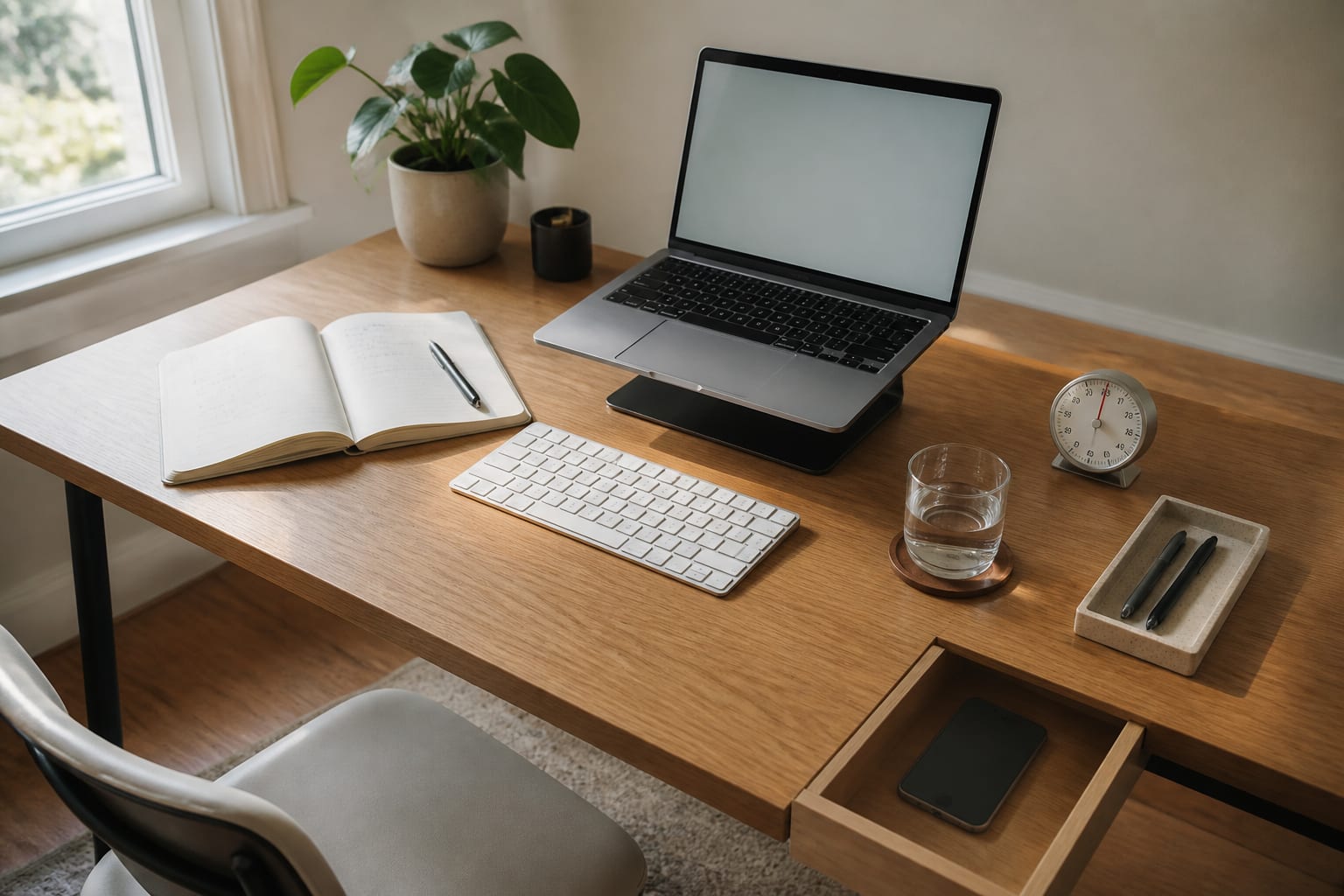
The desk is ready for one piece of work: laptop raised, keyboard in front, notebook open and water already poured. The phone remains reachable for necessary calls but is not sitting in the visual centre of the desk. Before opening email, define a focus block and write the outcome in plain language. Use the timer as an ending cue, not as a contest to work without moving. When the block finishes, stand up, review what changed and decide whether the task needs another block. Keep the surface spacious enough for the current materials; repeatedly moving piles before starting turns organization into another form of delay. The strongest morning setup is the one that removes the first three decisions.
Separate focused computer work from small administrative tasks
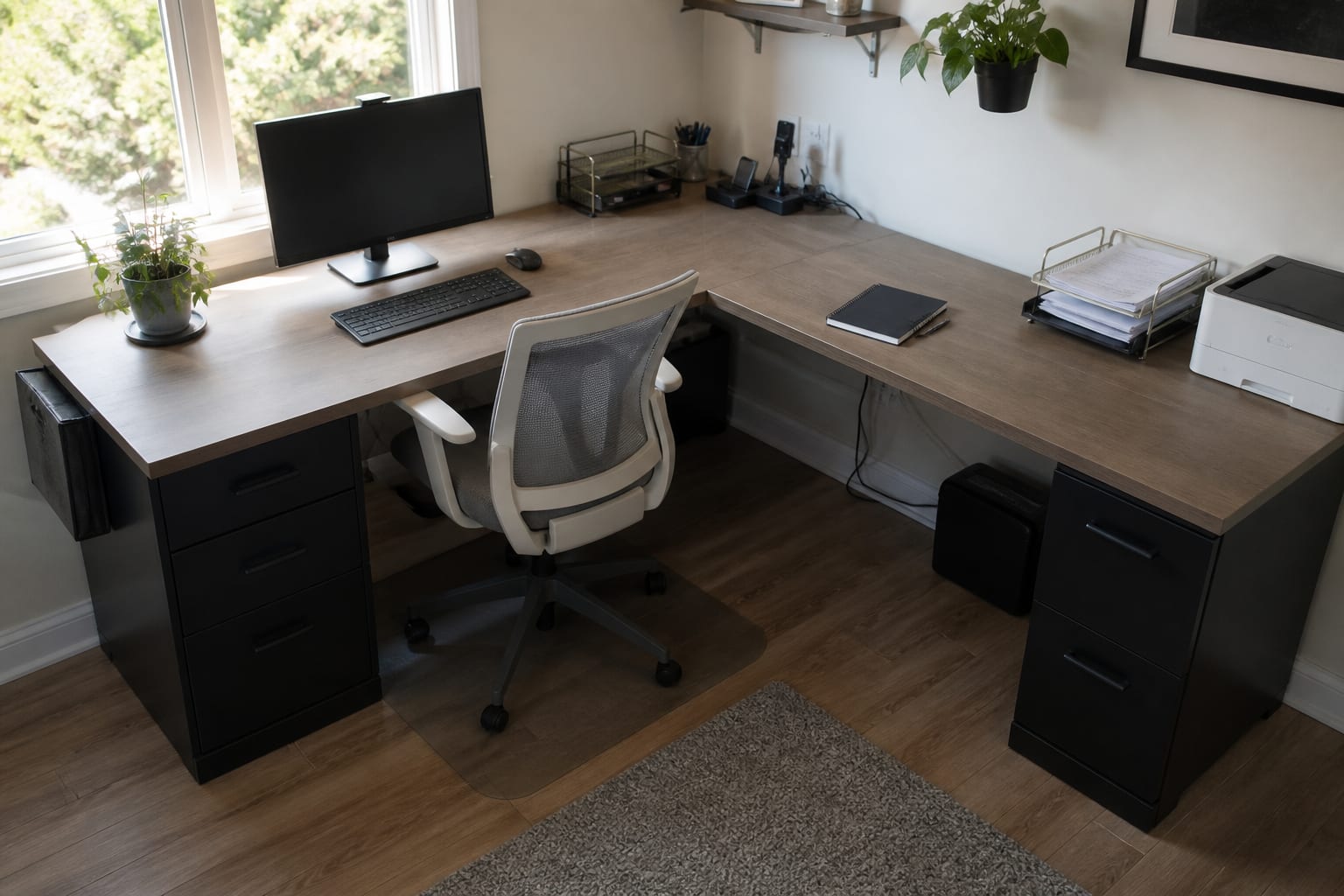
The long desk is divided by purpose rather than decorated as one continuous surface. The monitor, keyboard and chair define the focus zone; printer, paper trays, charging and notebook live on the return. That separation prevents receipts and unprocessed mail from entering the area used for demanding work. A smaller desk can use the same principle with one portable admin tray that is brought out only during a scheduled batch. Group email, printing, filing and short approvals into one or two windows instead of responding whenever they appear. The room does not need to be large; it needs a visible boundary between producing work and maintaining work. Keep both zones within easy reach but avoid rolling between them every few minutes.
Make the view beyond the screen intentionally uneventful
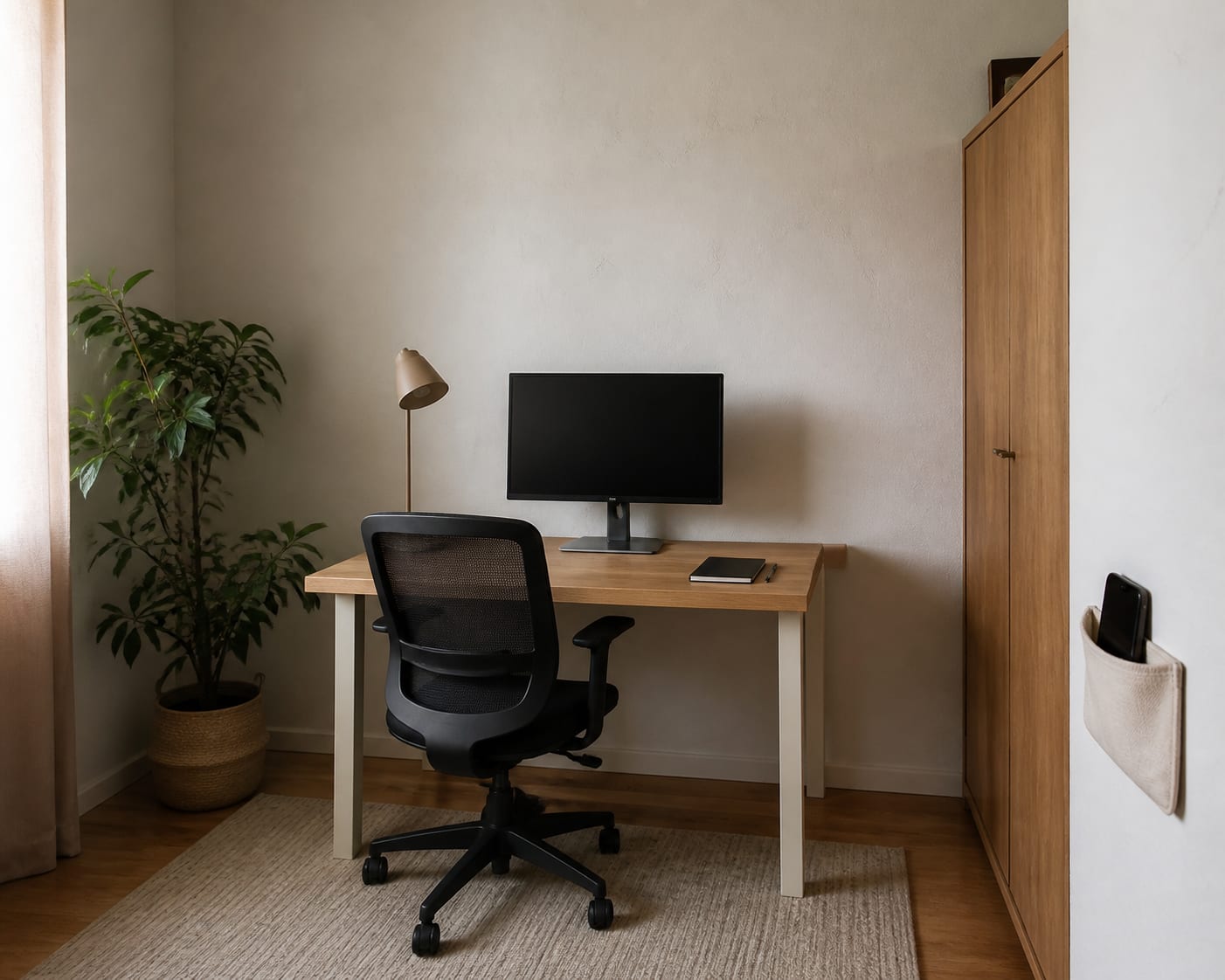
This desk faces a calm plaster wall, with storage closed and the plant kept off the work surface. The phone sits behind the chair, close enough to hear but inconvenient enough to interrupt an automatic reach. That small amount of friction is often more effective than another blocking app. Keep only the current notebook and necessary equipment in the central sightline. Put visual reminders on a side wall or inside a cabinet door where they can be consulted deliberately. If facing a wall feels restrictive, place a small neutral artwork above eye level or turn the desk slightly toward a window while keeping movement outside the direct line of sight. The aim is not emptiness; it is a view that does not continually ask for attention.
Use a visible shutdown routine to close the workday
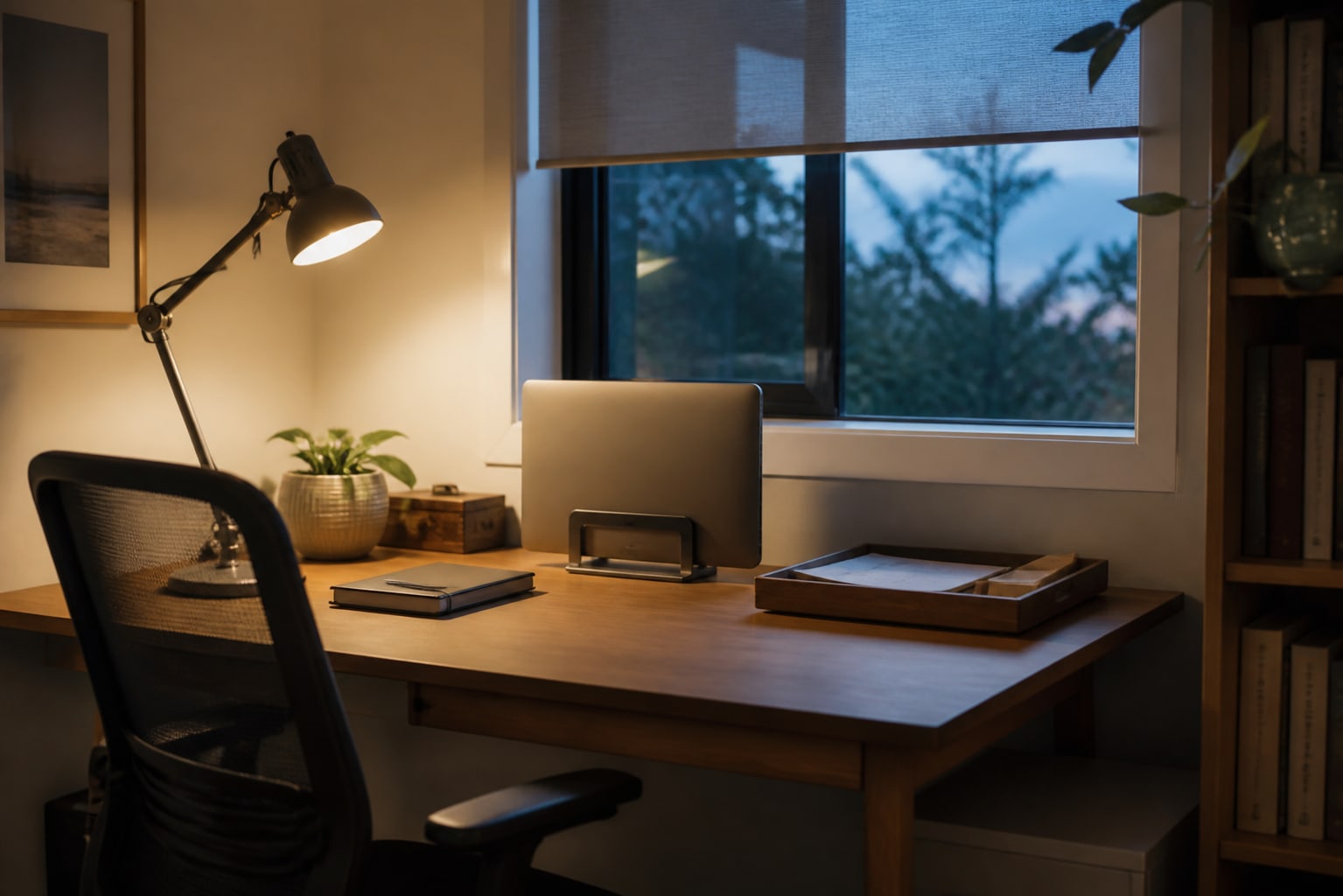
A shutdown routine should be short enough to survive a busy day. Capture any loose tasks, choose the first action for tomorrow, move papers into one inbox and close the notebook. Put the laptop on its stand or shut down the monitor, then push in the chair and switch off the task light. These physical cues matter when the office shares living space because they tell the room, and you, that work is no longer active. Do not use the reset to reorganize every drawer. Five consistent minutes are more useful than an ambitious weekly clean that rarely happens. If work thoughts return later, add them to one capture note rather than reopening every application.
A realistic daily rhythm for working at home
- Begin with the first task chosen during yesterday's shutdown.
- Work one protected block before checking low-priority messages when your role allows it.
- Take a physical break away from the desk instead of changing tabs.
- Batch paper, printing, email and approvals in the admin zone.
- Reset the main work surface after lunch if clutter has started to spread.
- Finish by capturing loose ends and preparing tomorrow's first action.
Measure whether the system is helping
Track one useful signal for a week: how long it takes to start the first priority, how many planned focus blocks are completed or how often work reopens after the shutdown routine. Do not judge the system by whether every hour felt productive. A better workspace should reduce repeated friction and make important work easier to resume after interruptions. Keep the parts that change behaviour and remove anything that becomes another obligation to maintain.
Join the conversation
Share your thoughts on this room